Trace Window
The trace window allows you to enable, disable and configure trace information and display it in a window. The trace window provides a convenient way to track down and solve problems between this application and the server, either with some assistance from your vendor’s support organization, or on your own.
The View → Trace Output operation displays the Trace Output window.
Click the Trace Enabled  button of the Trace Output toolbar to enable or disable displaying of trace information.
Here is an example of a Trace Output window:
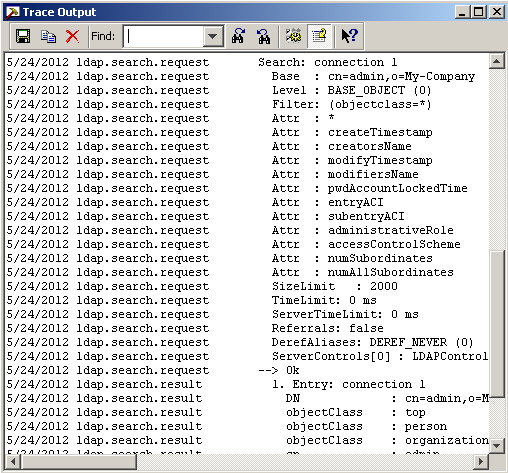
Use the following buttons to:
-
 - Specify which trace information is displayed.
 -
 - Save the trace output in a file.
 -
 - Copy the trace information to the clipboard.
 -
 - Clear the trace information currently displayed in the trace window.
 -
Search specific information currently displayed in the trace window:

Use the Find Next button to go to the next occurrence of the specified string.
Use the Find Previous button to go to the previous occurrence.